Student Registration
Reducing student confusion around their course registration date.
Role
UX Designer
Context
Internship at UW-IT Service Strategy Team
Timeline
Summer 2025

Help UW students understand their course registration date and direct them to resources and information.
The Problem
The Office of the Registrar (OUR) at UW came to my team with a problem: students were frequently confused about how class registration dates were calculated, especially when the dates they saw differed from what they expected.
Information on how factors like class standing or disability accommodations affect registration wasn’t readily available, and there was no centralized resource to answer student questions. This confusion caused frustration for students and increased workload for academic advisors.
Our Solution
We improved the OUR website and registration services (MyUW, MyPlan, Register.UW) to make registration dates easier to understand and reduce student confusion.
New “Understanding Your Registration Date” Page: Explains how dates are calculated, clarifies priority statuses, and directs students to the right offices.
App & Service Messaging: Links registration date messages to the new page for quick guidance.
Updated “Registration Periods” Page: Clearly defines who can register during each period.
Consolidated Period I Dates: Combines all quarters’ dates into a single, easy-to-find page.
These updates make registration information more transparent, help students quickly understand their schedules, and reduce advisor workload.
Impact
Although exact metrics aren't available, advisors and support staff report fewer questions from students about registration dates. This shows that the new resources help students find answers independently and reduce staff workload.
Key Features

New "Understanding Your Registration Date" page
Help students troubleshoot if they are seeing a date they weren’t expecting. Consolidates important information about registration that was spread across multiple pages before.
This new page will:
Explain how registration dates are calculated based on class standing or priority status. Note that class standing is locked in the Thursday before Period I begins.
Clarify how priority statuses (e.g., DRS, GSP, ROTC, veterans, athletes) may affect registration.
Emphasize that not all students with DRS accommodations receive priority registration.
Direct students to the appropriate offices (e.g., DRS, Veterans Education Benefits Office) for more information.
Reflection
This was a super cool experience because my team collaborated with many different service managers and teams across UW-IT to make these changes. It was my first project at my internship. I learned how simple changes like adding a link can add great value to the student experience.
It's also really cool because I got to be the user and the designer. When I registered for classes, I saw my own design changes in action.
Other projects
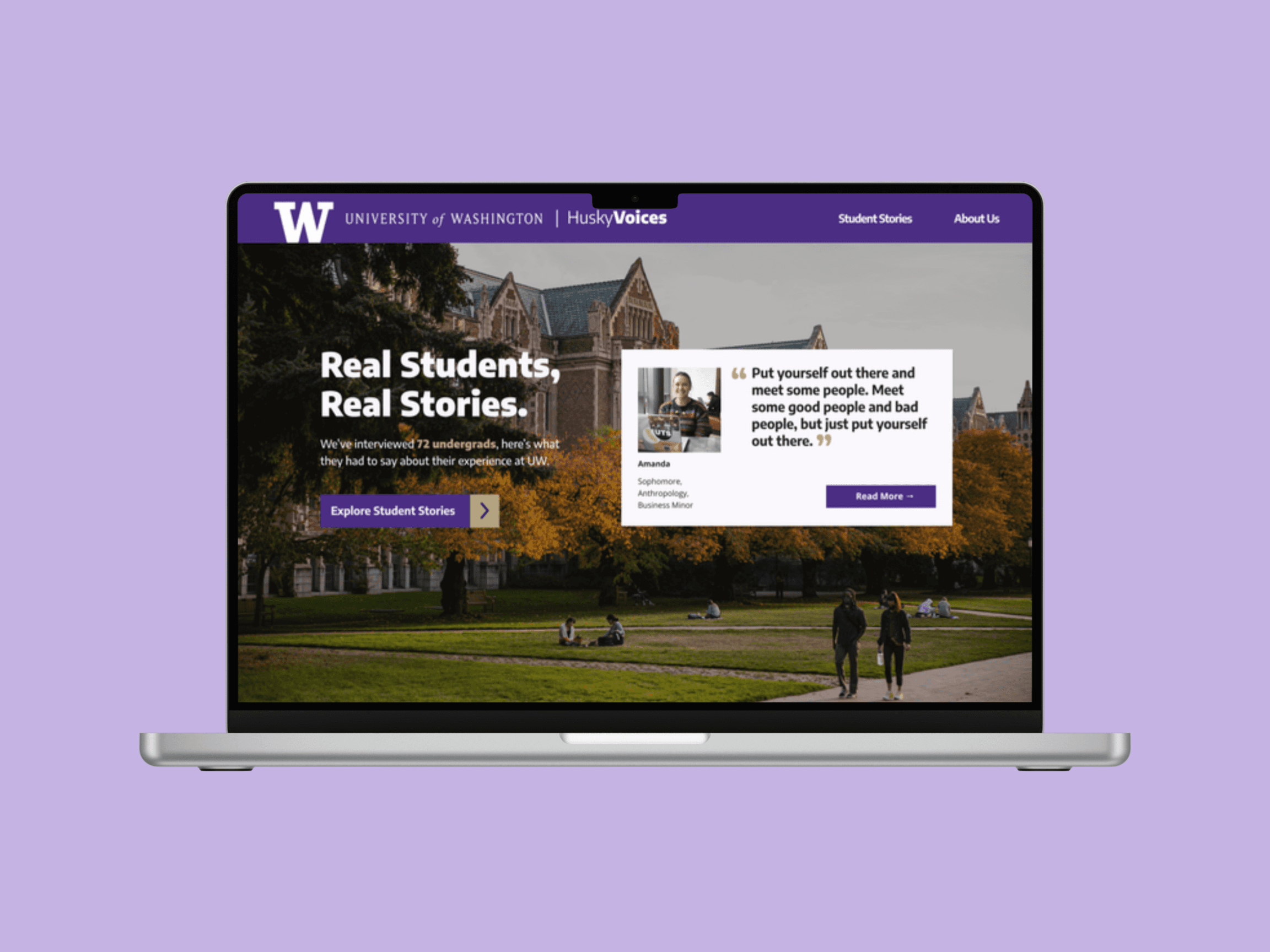
Husky Voices
Centering student voices to shape more responsive campus technology.

Rooted Futures
Reimagining career exploration for Indigenous youth in natural resources.
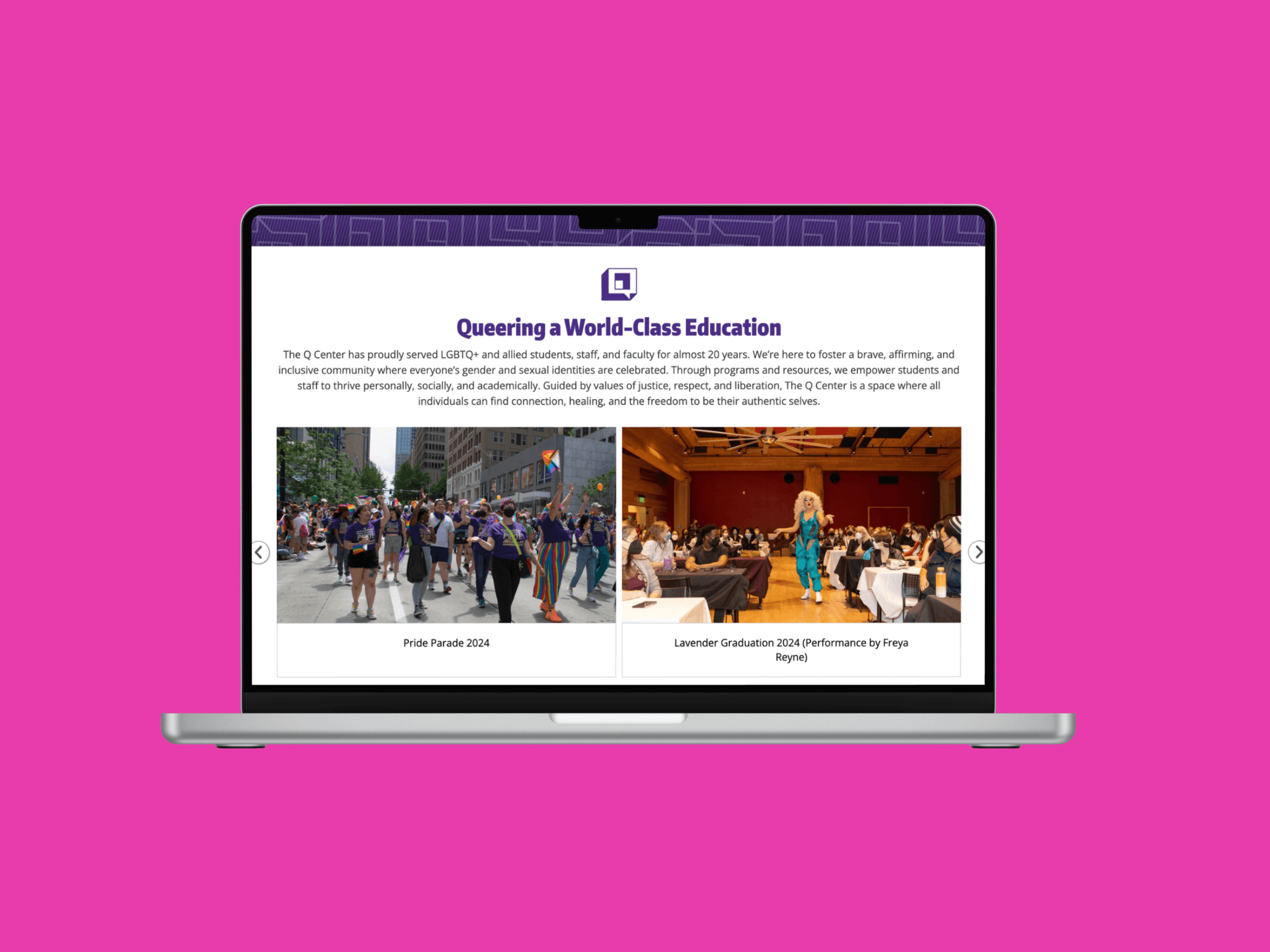
Q Center Website
Redesigning the Q Center website to connect students with events, resources, and community at a glance.
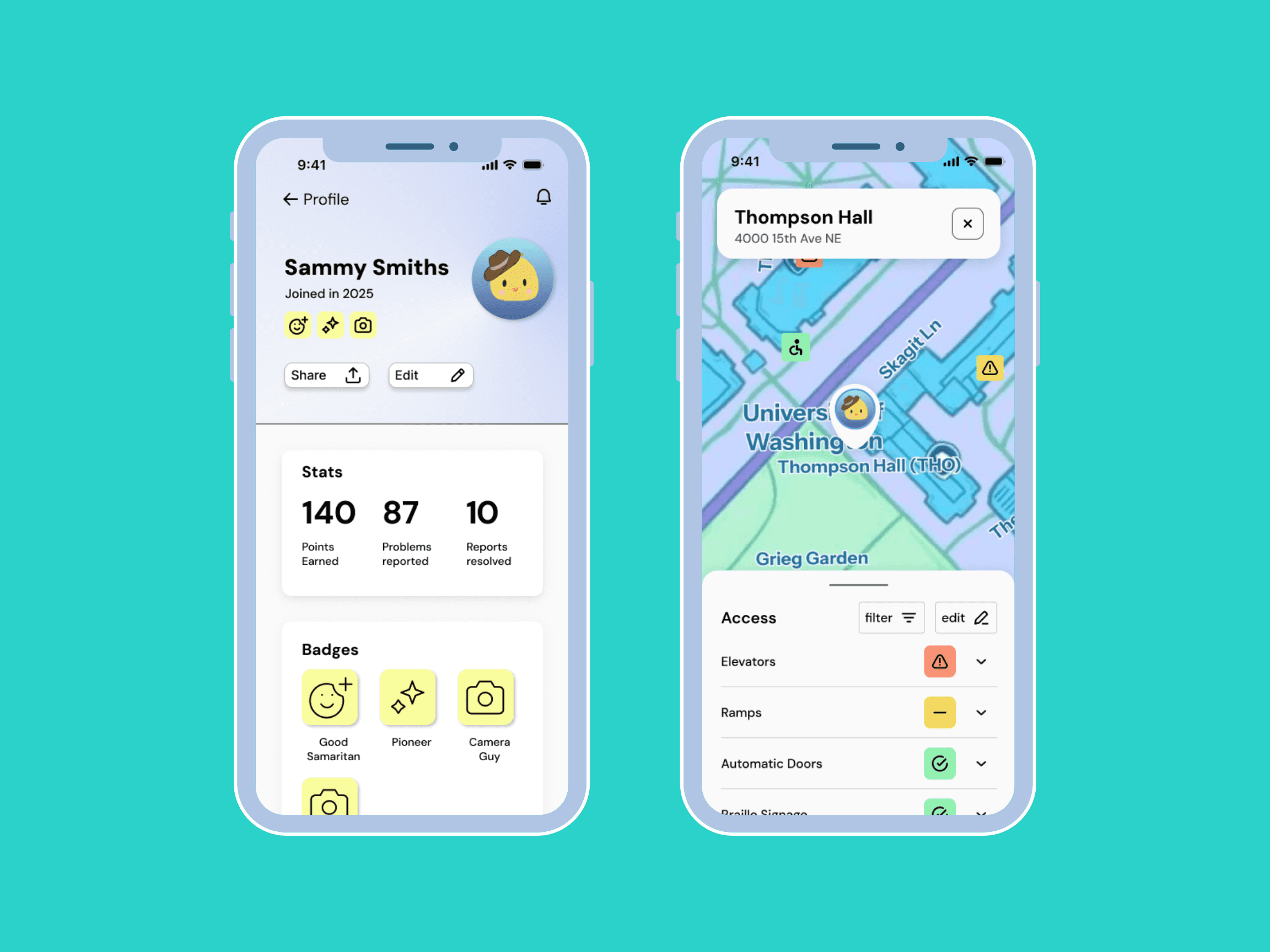
AccessiPal
Crowd-sourced campus accessibility with integrated facility reporting for real-time issue tracking and inclusive maintenance.
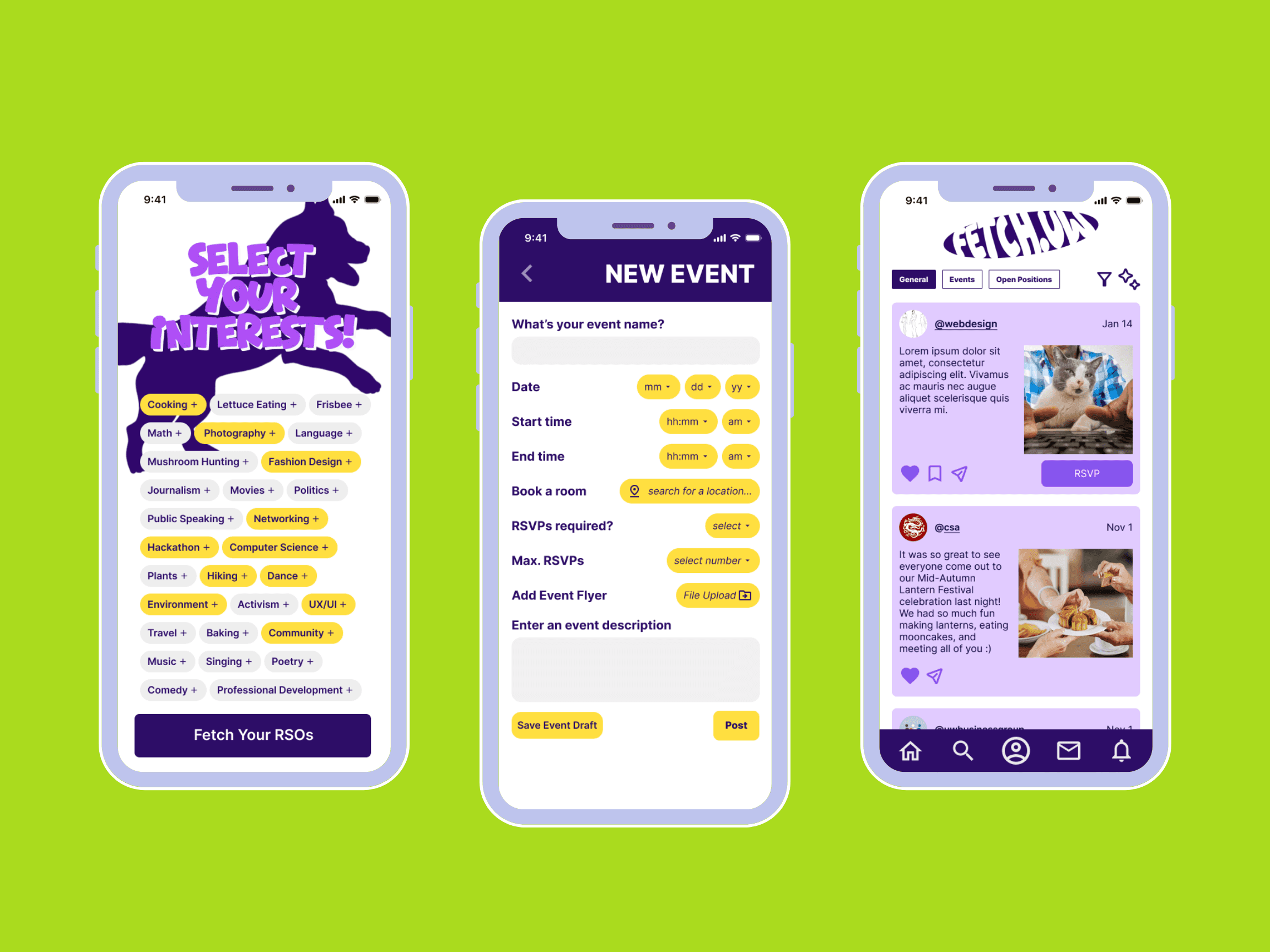
FetchUW
An all in one app to manage your club and connect with students.